Request the Closure of Your Account and the Deletion of Your Personal Information

You can submit a request for us to permanently close your account and delete your personal information. To submit a request to close your account and delete your personal information:

hero

Sign into the account you
want to close via the app.

image

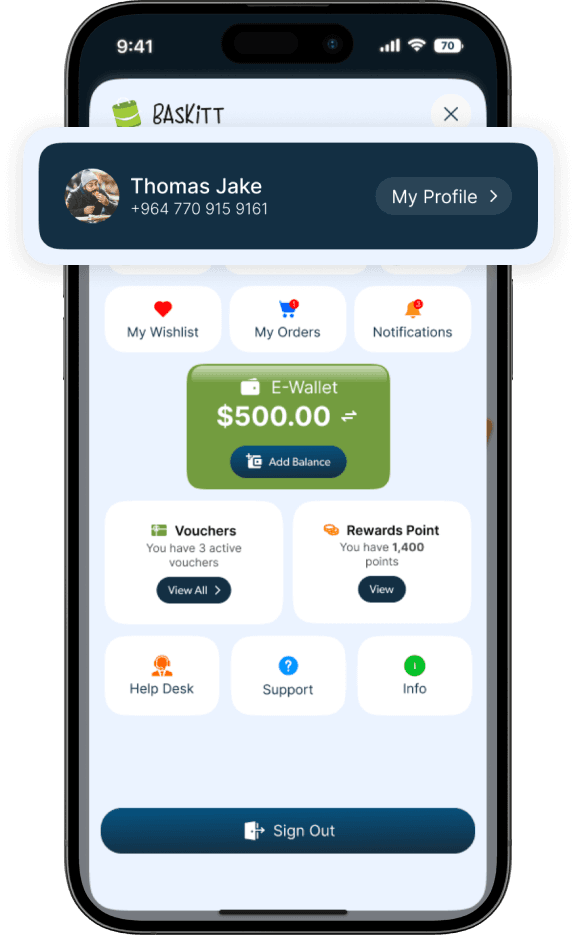
Open The App

Ensure you are logged into the specific account you wish to delete and navigate to your profile.

image

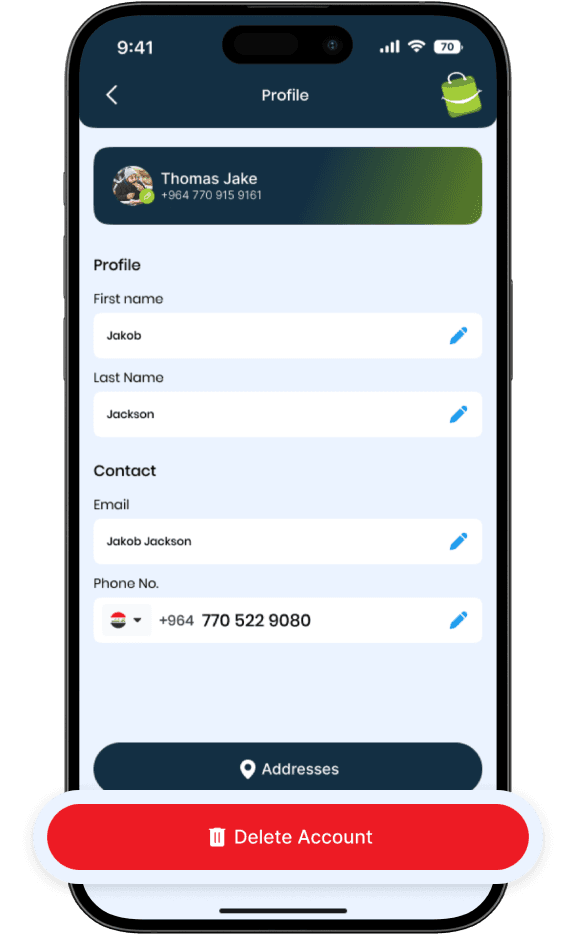
Click on Profile

Click MY PROFILE, scroll down and choose DELETE ACCOUNT.

image

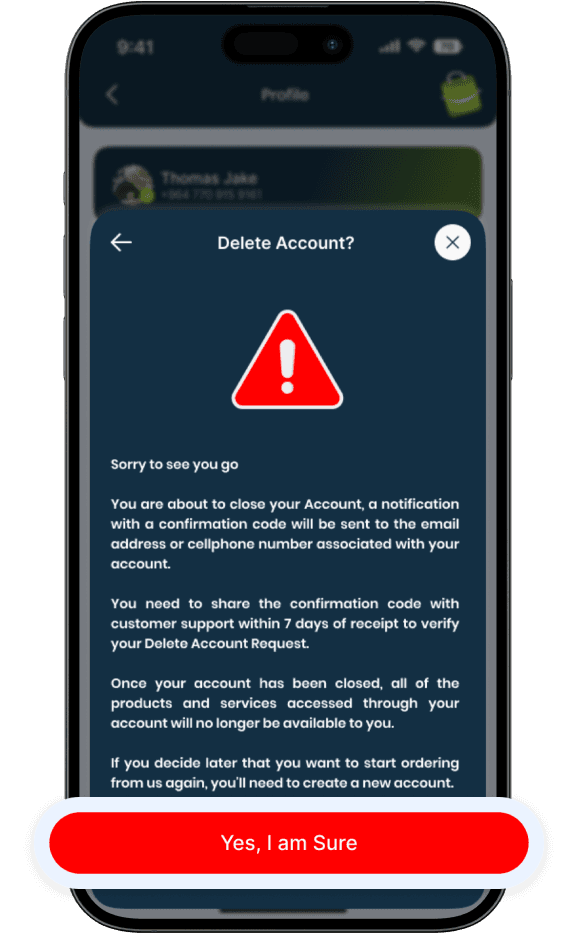
Confirm Deletion

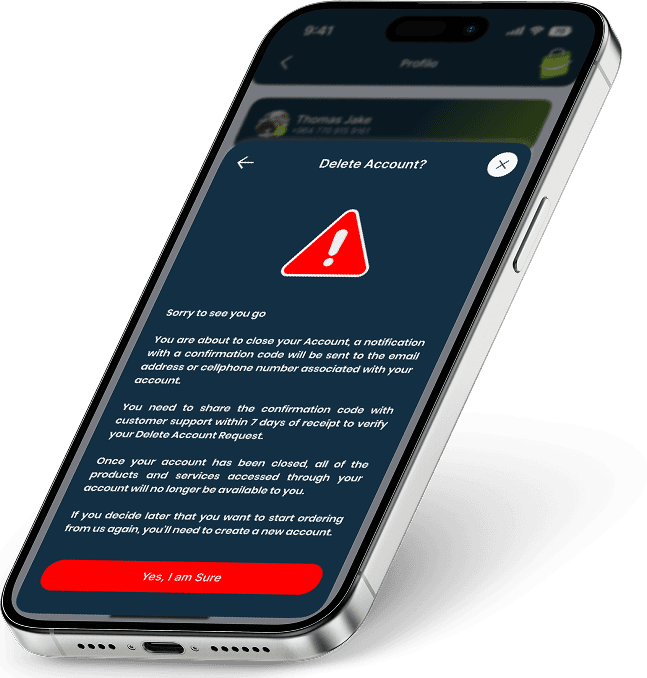
If you still wish to proceed, choose Yes, I am Sure to permanently close your account and delete your data.

Steps:

Once your account has been closed, all of the products and services accessed through your account will no longer be available to you. If you decide later that you want to start ordering from us again, you’ll need to create a new account. A notification with a confirmation code will be sent to the email address or cellphone number associated with your account.

You need to share the confirmation code with customer support within 7 days of receipt to verify your Delete Account Request.

Downlaod the
Baskitt App Now!